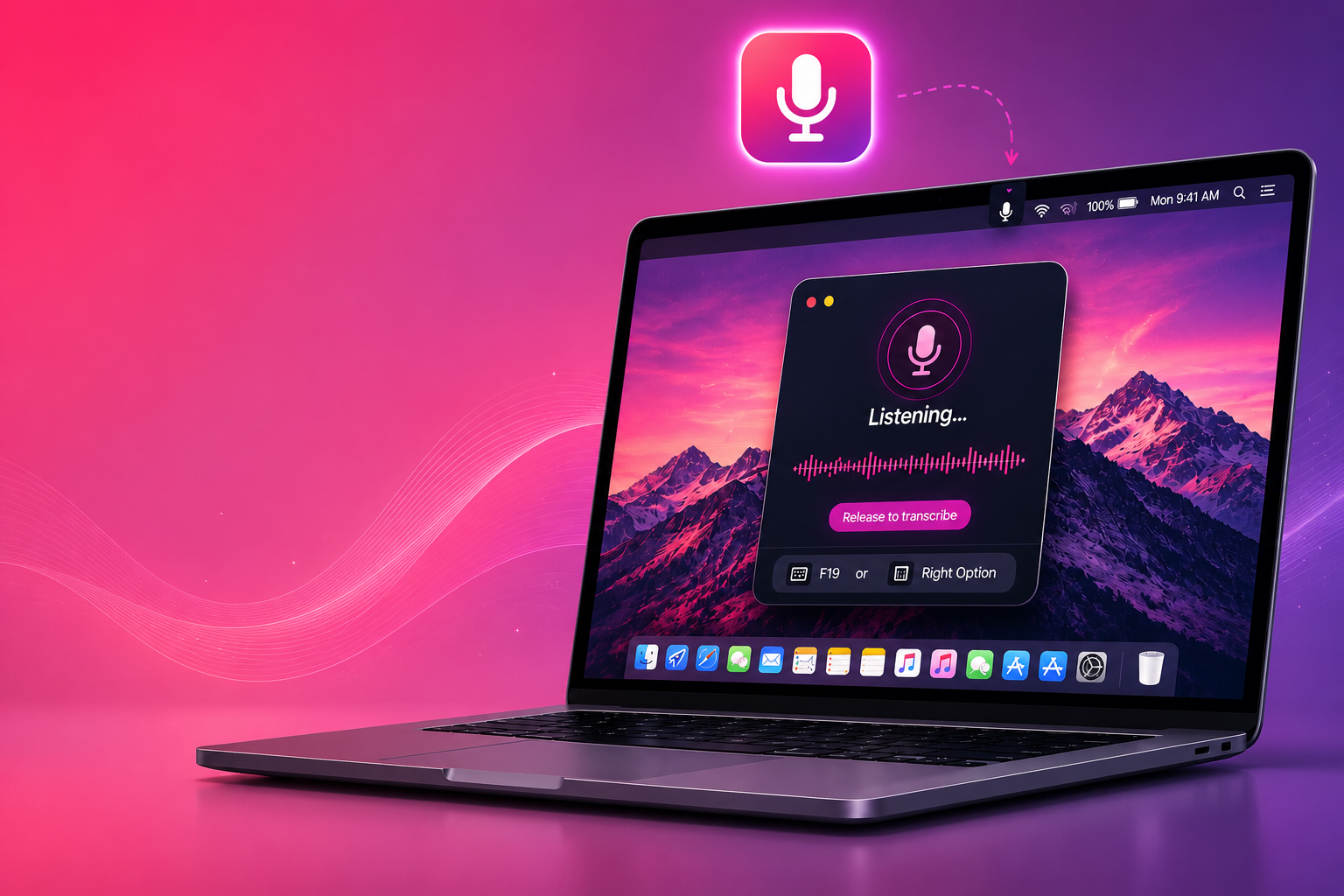
Build Your Own Offline AI Dictation Tool for Mac
Turn your voice into text instantly — with 100% privacy, no subscriptions, and no coding experience required.
Free walkthrough · Hold a key, speak, release — your words appear anywhere on your Mac.
Most AI dictation tools send your voice to the cloud.
I wanted something different.
Something:
- private
- fast
- local
- completely under my control
So I built my own offline AI dictation tool for Mac using Whisper.
Now I hold one key, speak naturally, release… and my words instantly appear anywhere on my Mac.
What you'll get
Inside the free guide, you'll learn how to:
- Install Whisper locally on your Mac
- Create push-to-talk AI dictation
- Use hotkeys to trigger transcription
- Auto-paste text anywhere
- Run everything 100% offline
- Build a menu bar dictation app
- Create a one-click launcher
- Avoid all the permission headaches
You do NOT need to be technical.
This guide was written for beginners.
I explain:
- Every step explained clearly
- What each tool does, in plain English
- Exactly what to click
- How to fix common issues
You'll mostly be copying and pasting.
And no — you cannot "break your Mac."
Get the Full Build Guide
Enter your email below and I'll send you the complete HTML walkthrough showing you exactly how to build your own offline AI dictation tool for Mac.
No spam. No fluff. Just practical AI tutorials designed to help you actually use AI in real life.